
Mobile Gaming
Score8 Gaming on iPhone and iPad
You can open Score8 casino and gaming content on an iPhone or iPad through Safari or another up-to-date browser. This guide covers home-screen access, security settings, performance and the Screen Time tools that help you manage play.
Accessing Score8 on iOS
Open the official Score8 site in Safari or another browser on an iPhone or iPad running a current version of iOS or iPadOS. Updates include security fixes, so install them when prompted. Use only the official Score8 link — the button on this page opens it in a new tab.
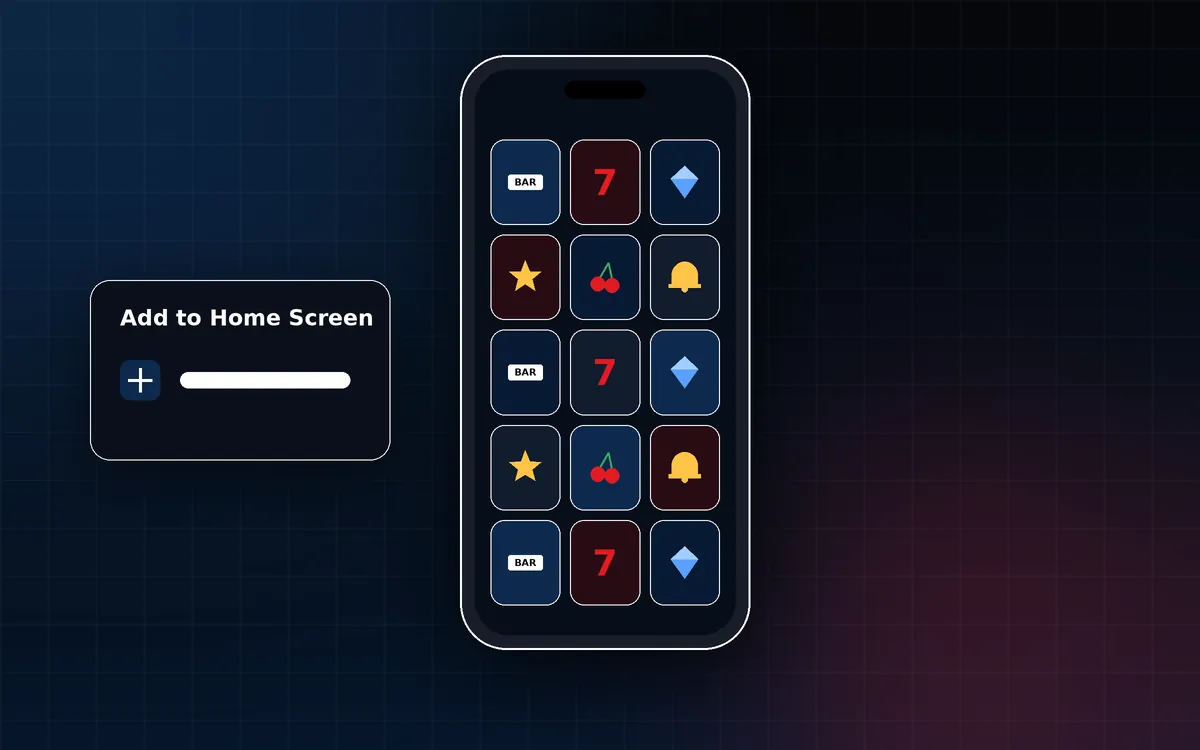
Add to Home Screen
- Open the site in Safari.
- Tap the Share button.
- Scroll and tap Add to Home Screen, then tap Add.
Security settings
- Use Face ID, Touch ID or a passcode to lock your device.
- Install apps only from the App Store. Do not install configuration profiles or certificates sent by people or websites you do not trust.
- Never share passwords or one-time codes with anyone who contacts you.
Performance tips
- A stable Wi-Fi connection gives the smoothest live casino streams.
- Low Power Mode can reduce performance during video; turn it off if streams stutter.
- Close apps you are not using and keep some free storage space.
Screen Time limits
Screen Time in Settings shows how long you use apps and websites and lets you set daily limits and scheduled downtime. Setting a limit before you play supports the habits in our responsible gaming guide.
Official Score8 platform
Open Score8 on your phone
Use the official link to open Score8 in your mobile browser.
External link. Adults of legal gambling age only.